
The paperwork side of the job, handled from your truck. Send a quote on-site, turn it into an invoice with one tap.
Visit the Sandbox to play with the app and get a feel for how it works.
Credit card information not required.

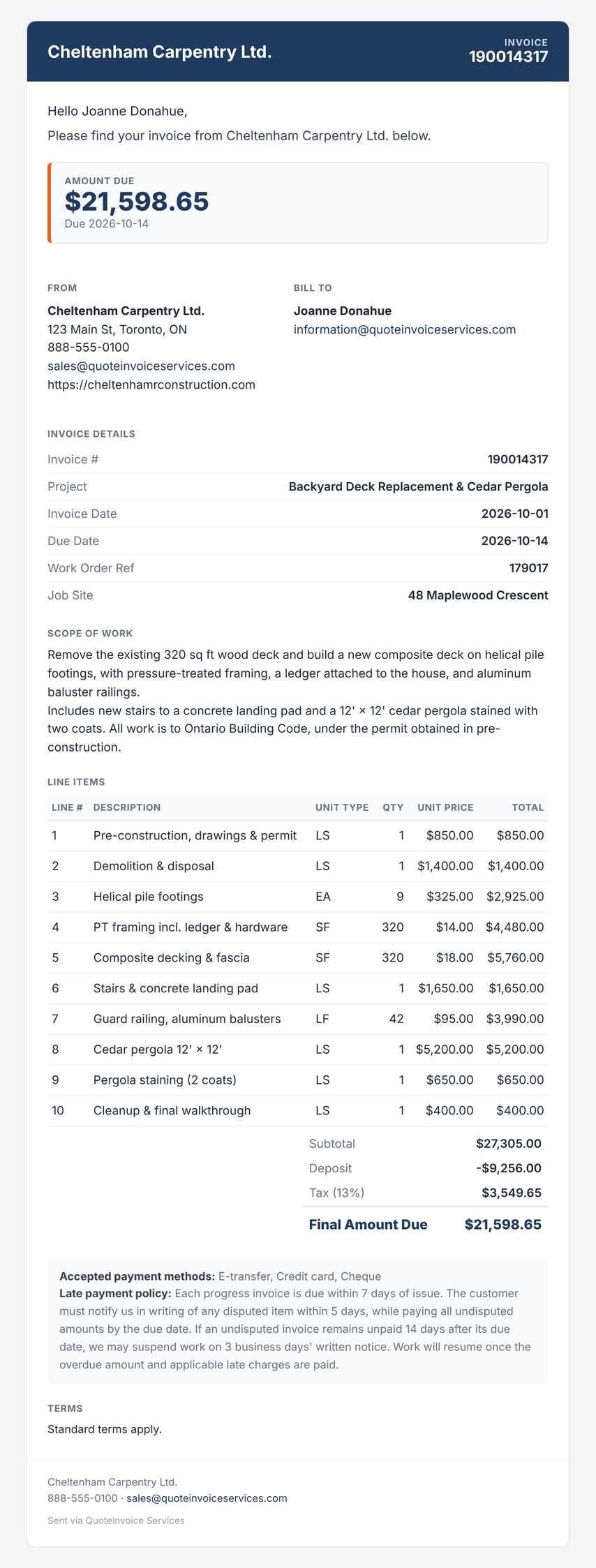
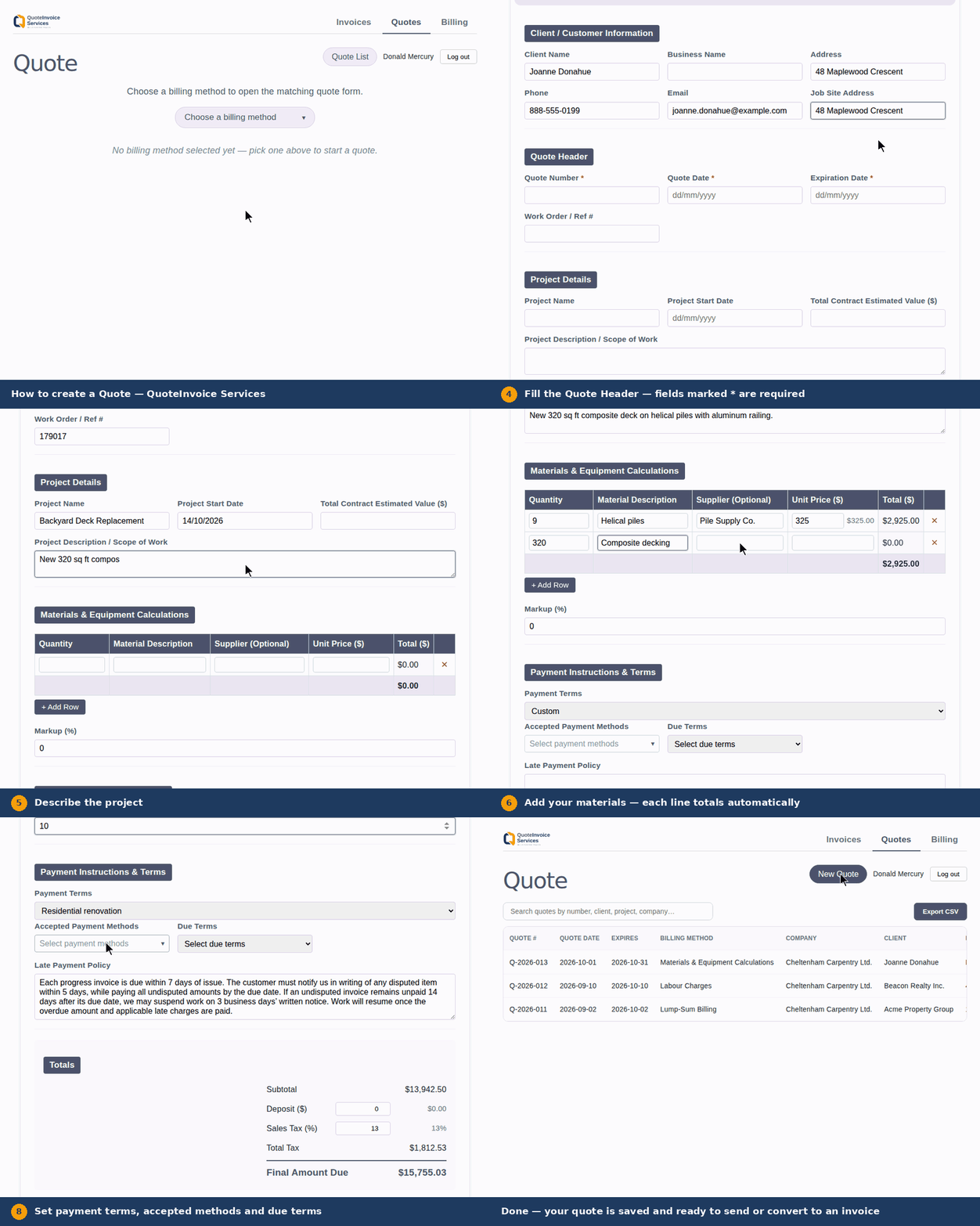
Build a quote on-site with your mobile device. Once it's approved, convert it straight into an invoice — no retyping of line items required.
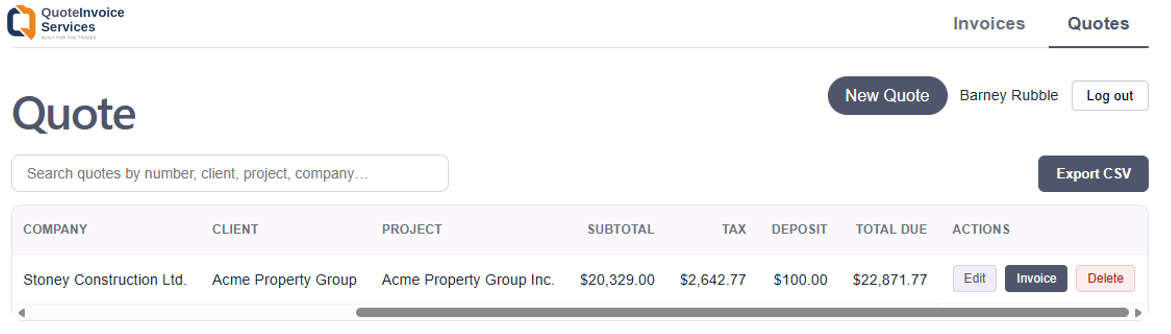
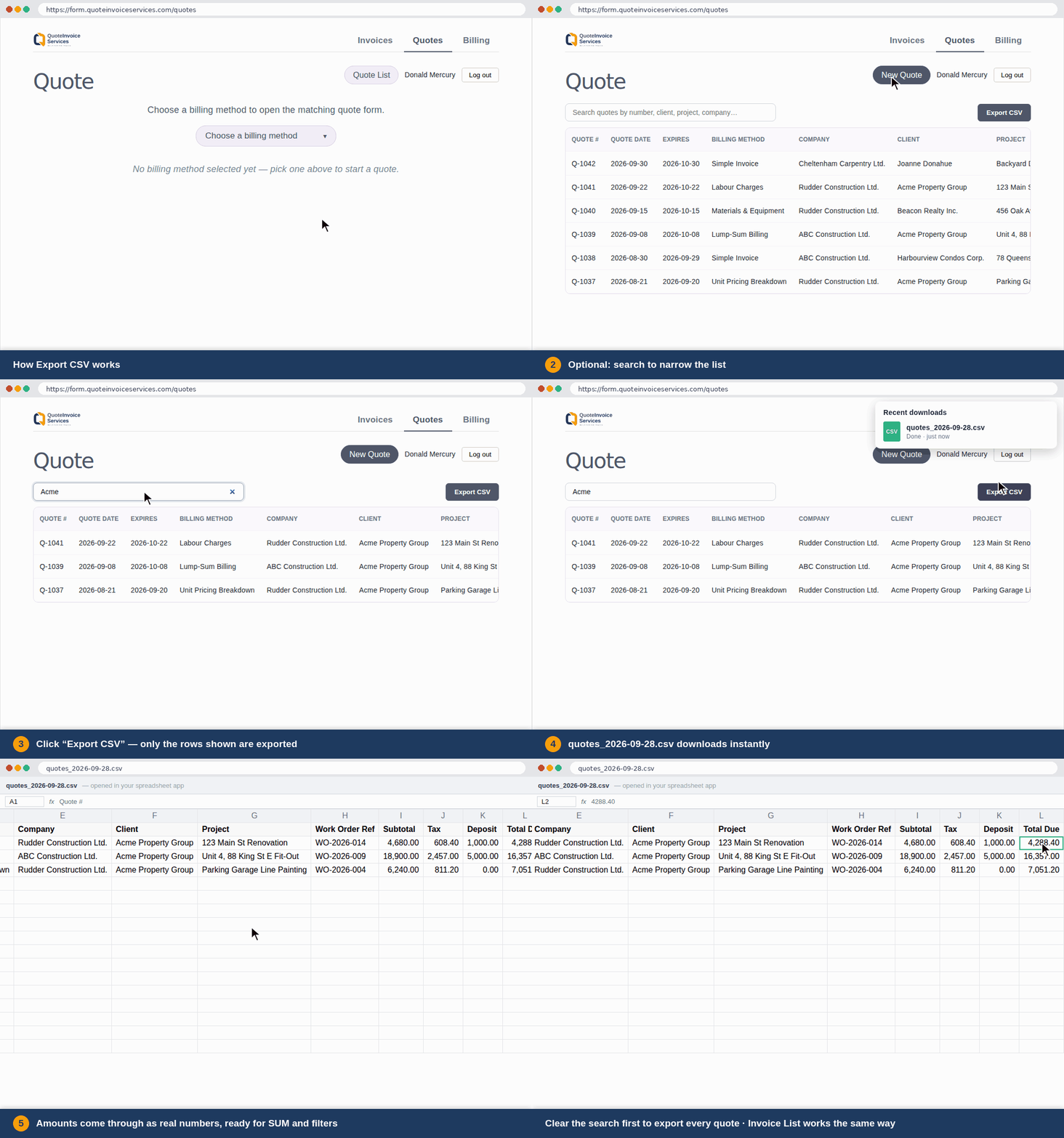
The Quote and Invoice lists have a search box so you can find a quote or invoice quickly without scrolling.
Export CSV lets you save your list as a spreadsheet. Open it in Excel, Google Sheets, or Numbers.
From a simple freeform invoice to specialized billing types:
Want to make changes to your saved Quote or Invoice? No problem.

When a customer accepts a quote, you don't have to recreate an invoice. The Invoice button builds a new invoice with one click.
You can permanently remove a quote or invoice you no longer need. Edit and resend.
Use Send when a client says they never got the invoice, lost it, or you've edited the invoice and want them to have the updated version.
From this location you can review your transactions, resend an invoice or quote and edit it.

Export your data to Microsoft Excel or Google Sheets, etc.
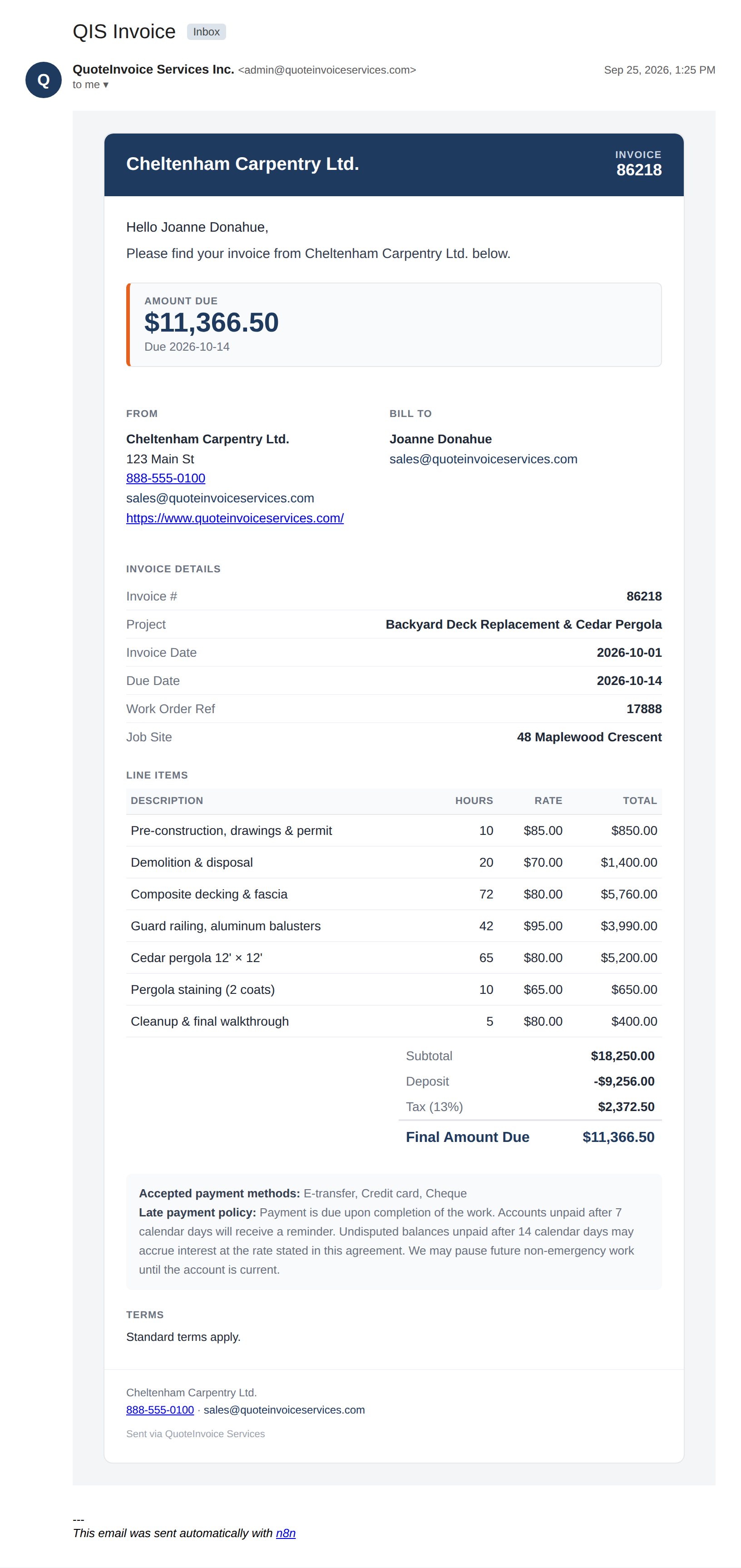
Email a clean document that your client can understand at a glance.
A quick one-off invoice with no project setup required. You list a set of charges (a description and a dollar amount for each), and they add up to the subtotal. No hours, no line-item math — just flat charges. Best for small jobs or single-item billing where you don't need itemized labour or materials tracking.
Bills purely for time worked. Each row is a labour type (e.g. "Framing," "Electrical rough-in"), the hours worked, and an hourly rate — the app multiplies hours × rate per row. Use this when you're billing strictly for time, with no separate materials or fixed pricing.
Bills for physical materials or equipment supplied. Each row is a quantity, a material description, an optional supplier, and a unit price (quantity × unit price per row). You can also apply a markup percentage on top of the materials subtotal — useful if you mark up supplier costs before passing them to the client.
For work billed per unit of measurable output (square footage, linear footage, etc.). Each row has a line item number, a description of work, a unit type (e.g. "sq ft," "linear ft"), the quantity completed, and a unit price — quantity × unit price per row. Common for trades like concrete, flooring, or excavation where pricing is agreed per unit ahead of time.
A simple catch-all for extra charges that don't fit elsewhere — permit fees, equipment rental, disposal fees, etc. Just a description and a cost per row, summed to a subtotal. Often used alongside another billing method to capture incidental costs.
For jobs billed at a single agreed price rather than itemized. You enter the agreed lump-sum price, then optional change orders (+/-) and adjustments (+/-) to account for scope changes since the original agreement. The three amounts sum to the subtotal.
For progress billing on larger projects, where you bill a percentage of each line item's scheduled value as it's completed. Each row has a description of work, its scheduled value, the percent complete, and what's been previously billed — the app calculates the current payment due and what remains. Standard for construction contracts billed in stages against a schedule of values (SOV).
For contracts where a percentage of each invoice is withheld ("retainage") until the project reaches completion milestones. You set a total contract value and a default retainage percentage, then each row references an original invoice, its amount, and what retainage has already been released — the app calculates retainage held and retainage now due.
Line items, job templates, and follow-up timing are tuned to how each trade actually quotes and bills — not a generic invoice form.

Flat-rate and hourly templates with after-hours pricing built in, so the invoice is ready before the drain's even dry.
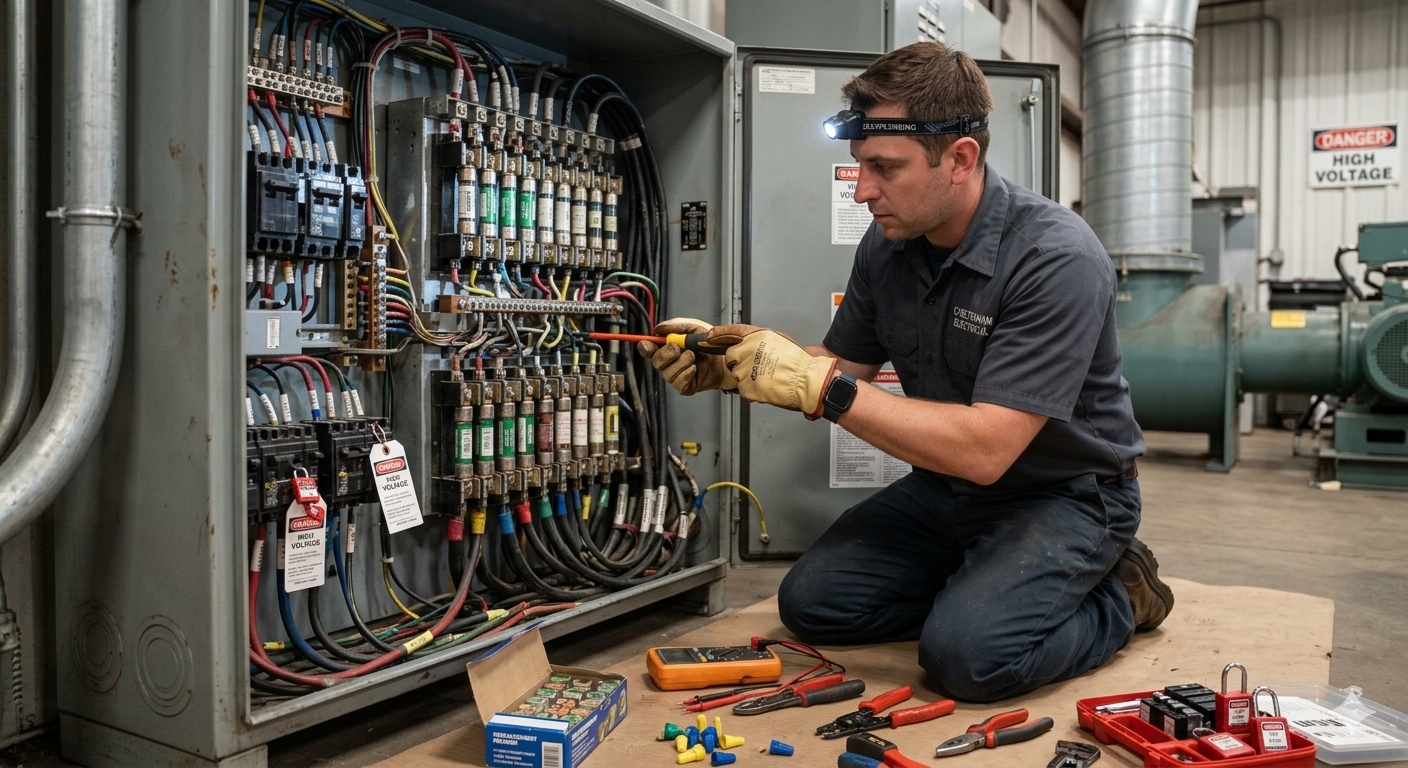
Itemize labour, materials, and permit fees line by line, so clients see exactly what went into the panel.
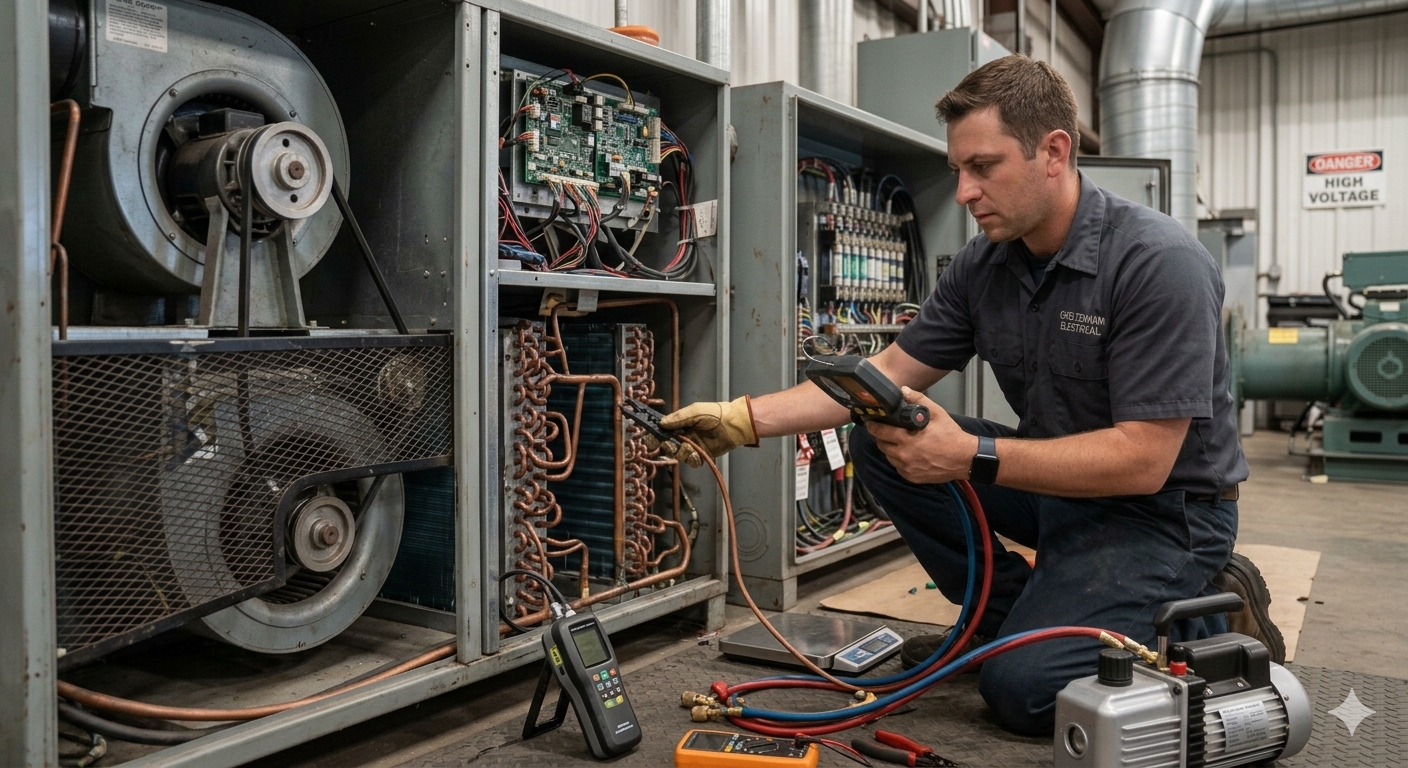
Price the repair or replacement on-site, then turn the approved quote into an invoice without retyping a thing.
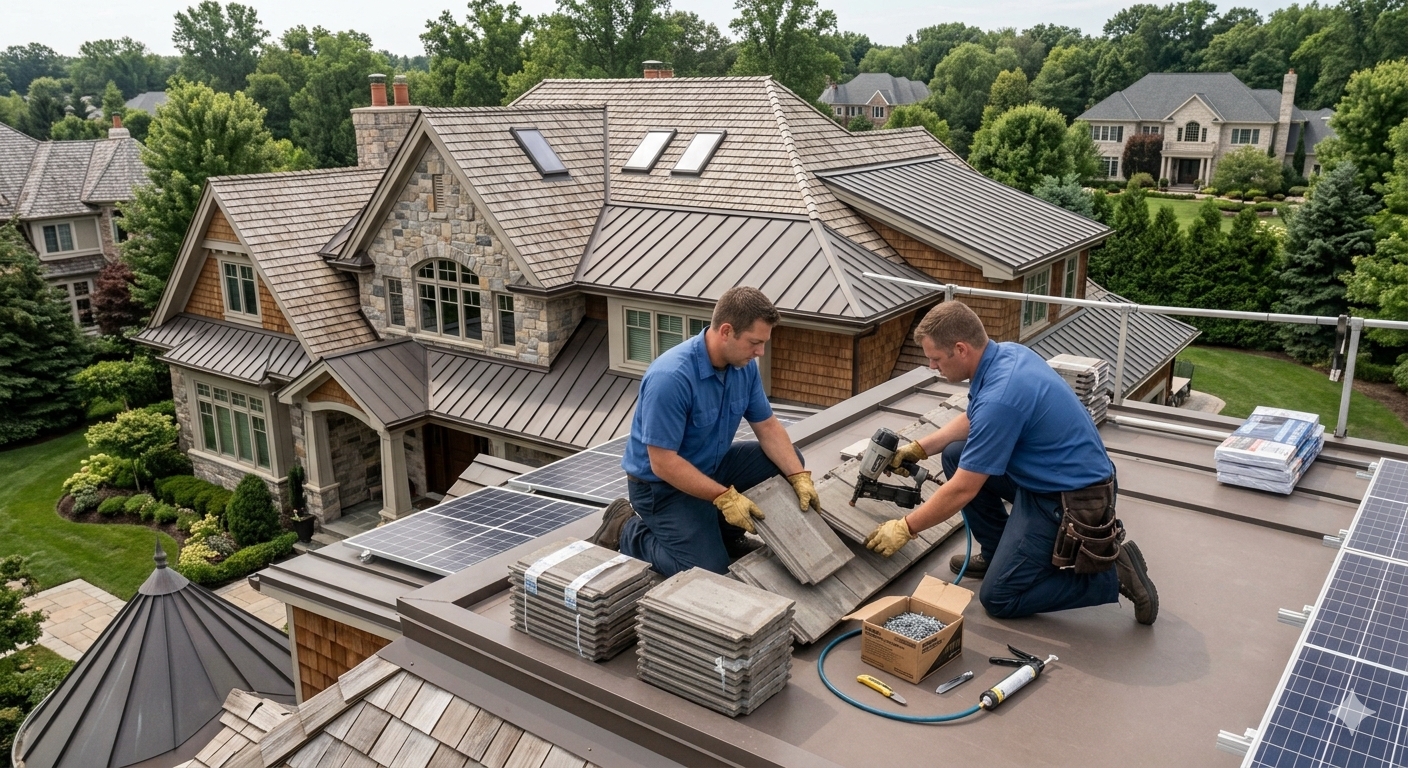
Collect a deposit up front and send progress invoices as each phase is done, so cash flow keeps pace with the crew.
Build your quote in minutes and send (iPhone demo).
Once the work's done, turn the approved quote into an invoice - same line items, no retyping, can be adjusted for changes.
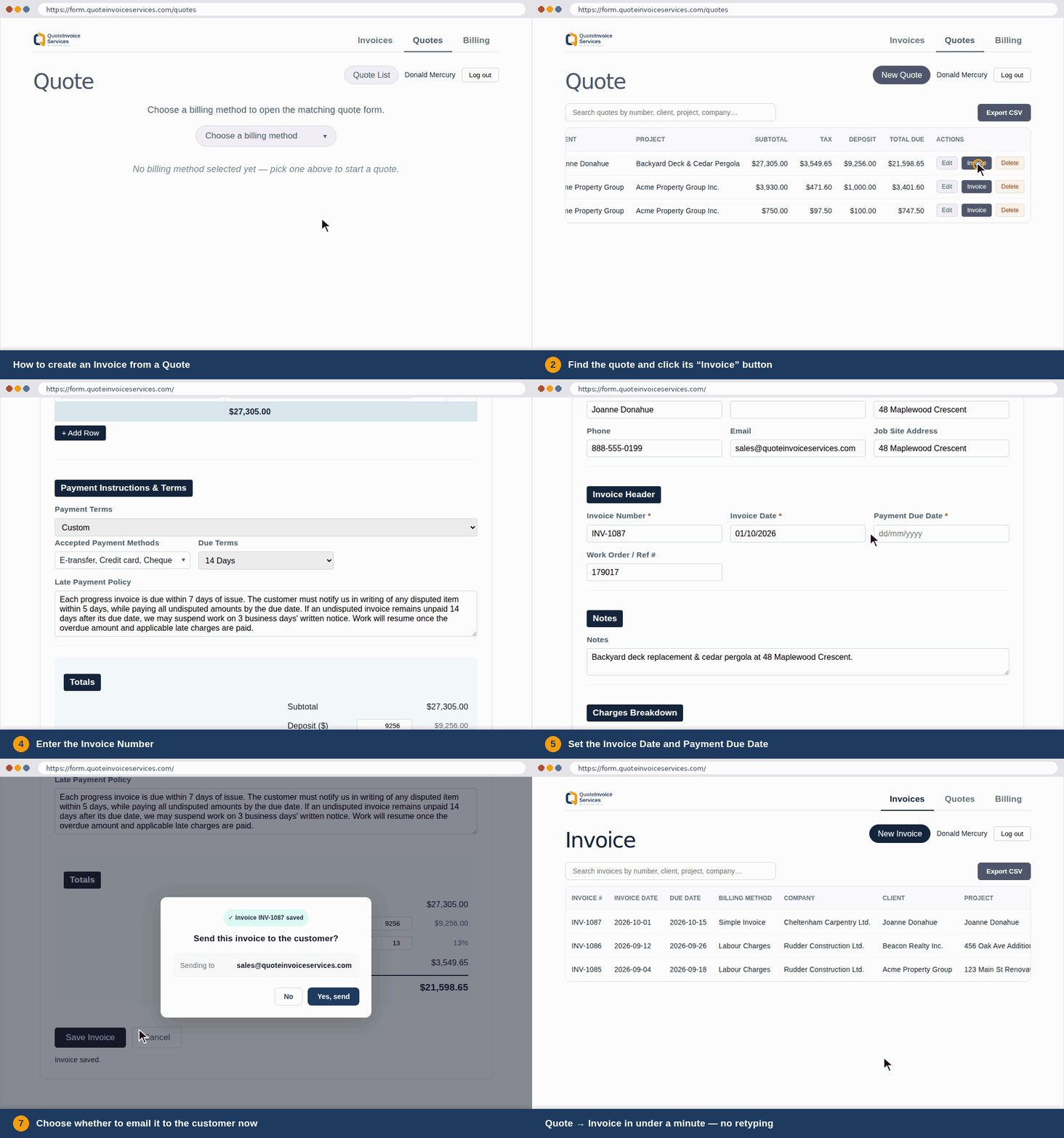
Email a professional, modern-looking invoice. Your clients pay you the way they always have. No new payment system, and we never take a cut.
Designed for the trades